Do you like new Galaxy Note 4 features, but still do not like to dump your old Galaxy Note II, which is in good condition. Then guess what you are going to be very happy.
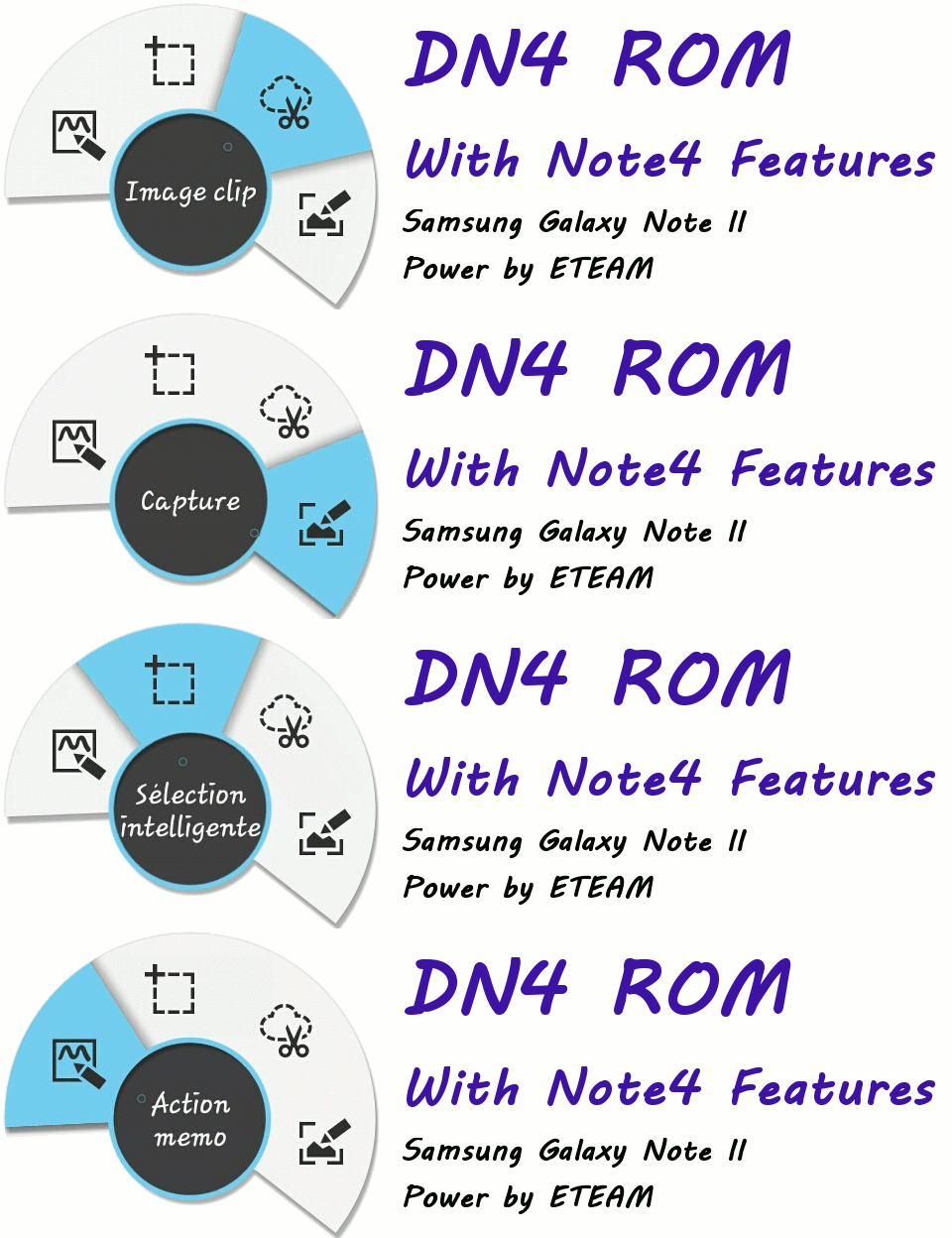
A group of developers created a custom ROM for Galaxy Note II, which has many exclusive features from Galaxy Note 4. You can now use Galaxy Note 4 features like Ultra Power Saving Mode, Smart Select (and the new Air Command interface), the Flipboard homescreen, Scrapbook and many more on your old Galaxy Note II.
You should know that, the ROM is based on Android 4.4.4 ROM ported from Korean Galaxy S3. Also, it is always risky to flash a custom ROM and try this at your own.
How to get Galaxy Note 4 Software for Galaxy Note 2
Features Supported by DN4 (Ditto Note 4) ROM
Here is the complete list of features ported from Galaxy Note 4 to Galaxy Note 2 in this custom ROM.
- Note 4 Air Command (new features)
- Note 4 S Note with Action Memo
- Note 4 Smart Select
- Note 4 Image Clip
- Note 4 Scrapbook
- Note 4 S Finder
- Note 4 Quick Connect
- Note 4 Multiwindow
- Note 4 Recent Apps
- Note 4 Direct Pen Input
- Note 4 Side Key Panel
- Note 4 Resize Windows from corners (new Pen Window)
- Note 4 Power Saving Mode
- Note 4 Ultra Power Saving Mode
- Note 4 Settings and UI
- Galaxy Note 4 Launcher and Accuweather
- Galaxy Note 4 Contacts app
- Galaxy Note 4 Phone app with N4 feature incoming call pop-up notification, resize window during calls feature and call recording feature
- Galaxy Note Messaging app with N4 feature SMS pop-up notification
- Galaxy Note 4 lockscreen with charging effects and new lockscreen effects (only Abstract Mosaic don’t work)
- Galaxy Note 4 Music Player
- Galaxy Note 4 Video Player
- Galaxy Note 4 Internet Browser
- Galaxy Note 4 Gallery with SStudio
- Galaxy Note 4 S Voice with new pop-up features
- Galaxy Note 4 S Planner, Email, Keyboard, Clock, My Files, Calculator
- Galaxy Note 4 Story Album
- Galaxy Note 4 Photo Note
- Possible to use the same app in both multi windows