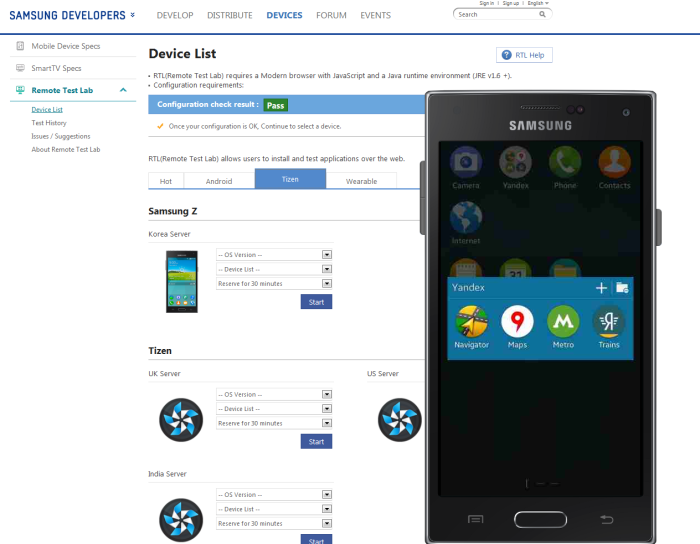
Samsung released the first Tizen powered handset Samsung Z last month in selected markets. But to make sure more and more developer can join the Tizen ecosystem and develop new apps or port their old apps to Tizen, Samsung now supports Samsung Z on remote test lab. This means developers can ow test their apps remotely on a virtual Samsung Z. This is a free service and anyone can register and use it.
Features Supported in Remote Test Lab
Remote Test Lab offers features like screen touch, hardware button control, screen quality control, orientation modification, screen capture and video recording, screen session share, file system access and much more to run and debug Tizen aaps.
|
TYPE |
FEATURE |
|---|---|
|
Basic Function |
Real-time Screen Transfer |
|
Screen Touch, H/W Button Control |
|
|
Screen Management |
Screen Quality Control |
|
Orientation Modification |
|
|
Screen Capture, Video Recording |
|
|
Screen Session Share |
|
|
Device Management |
Application Management |
|
Copy Clipboard |
|
|
File System Access |
|
|
Test Function |
Log Viewer |
|
Automatic Testing |
If you have interest in developing apps for this new mobile OS click on the source link for all the detail information.